Melbourne Event Photography

“⭐⭐⭐⭐⭐ Highly recommended!”
Why Use a Professional Event Photographer?
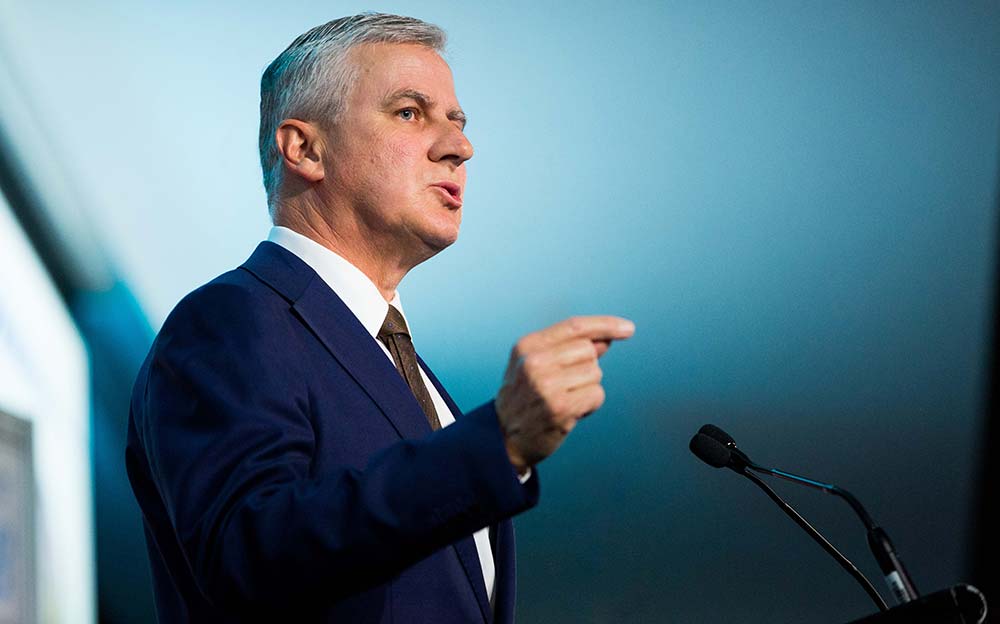
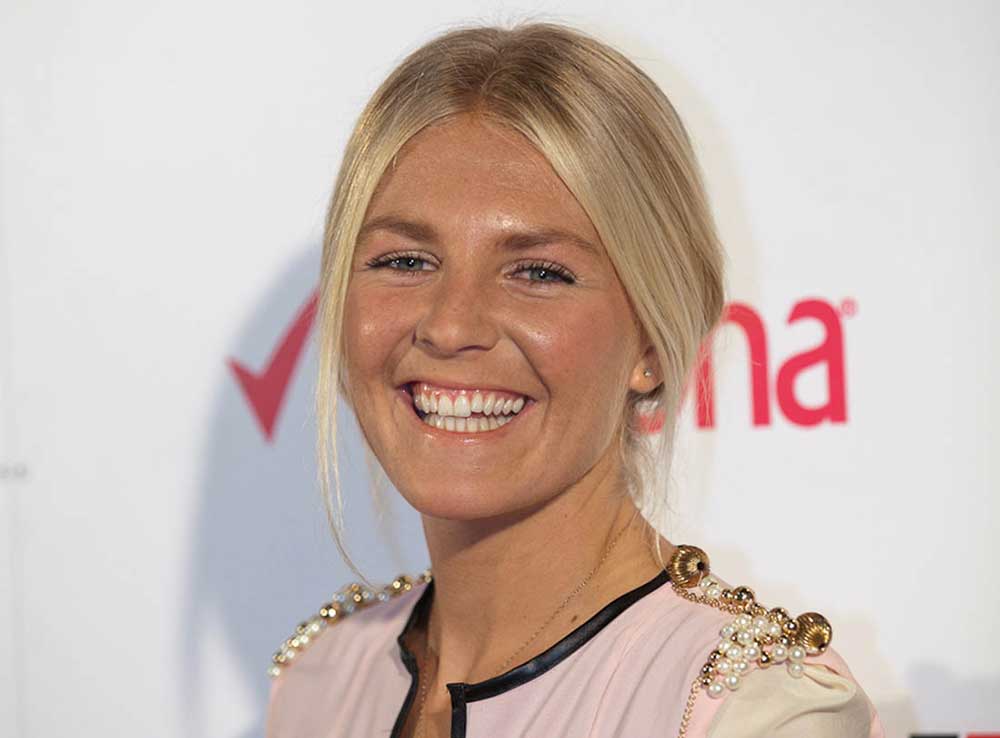
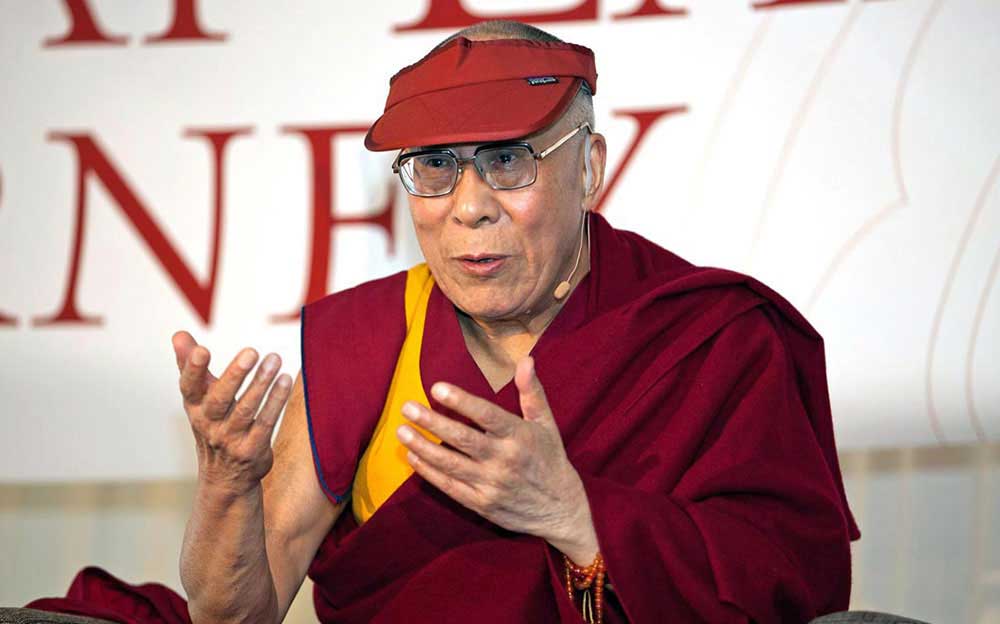
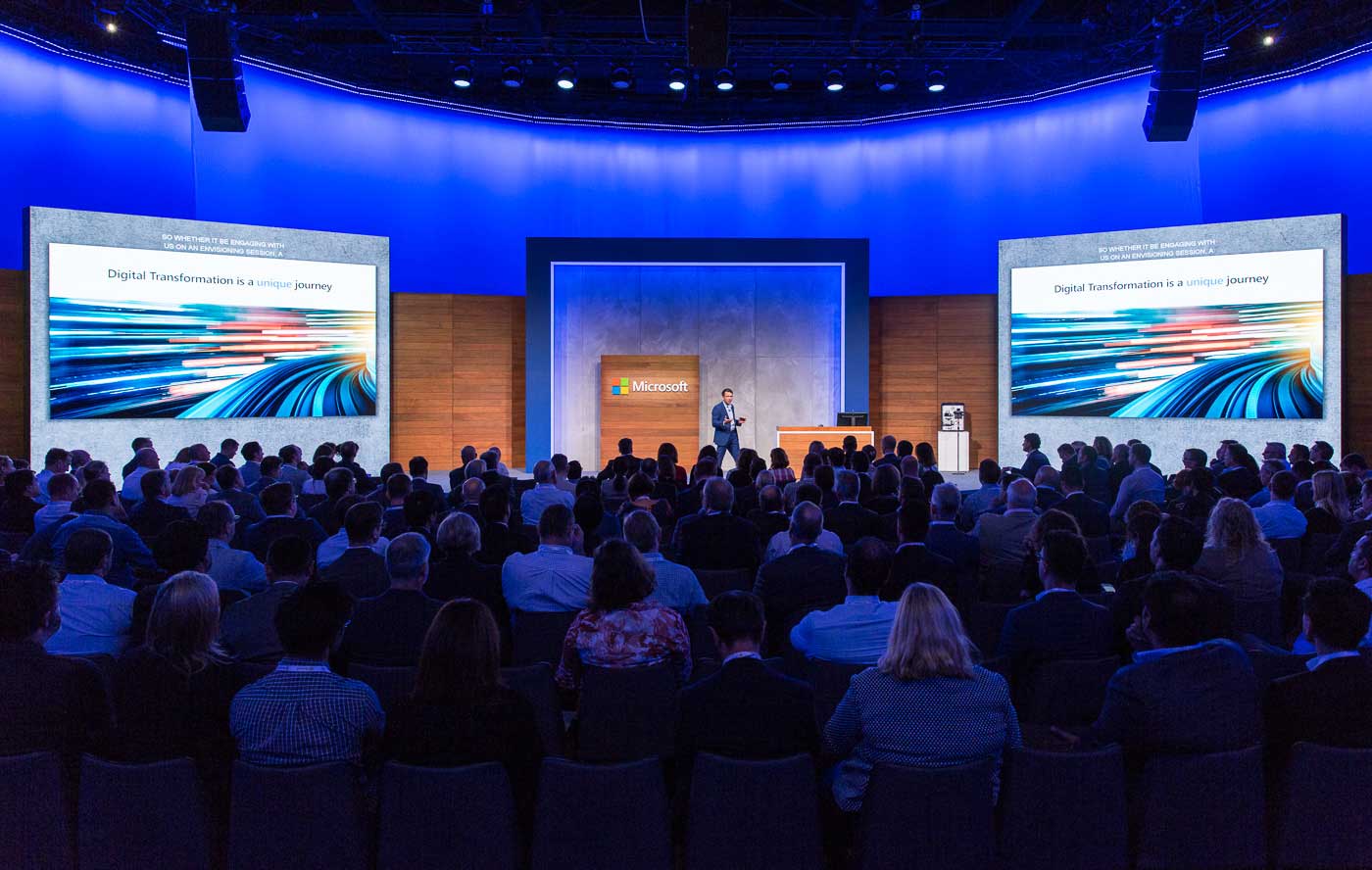
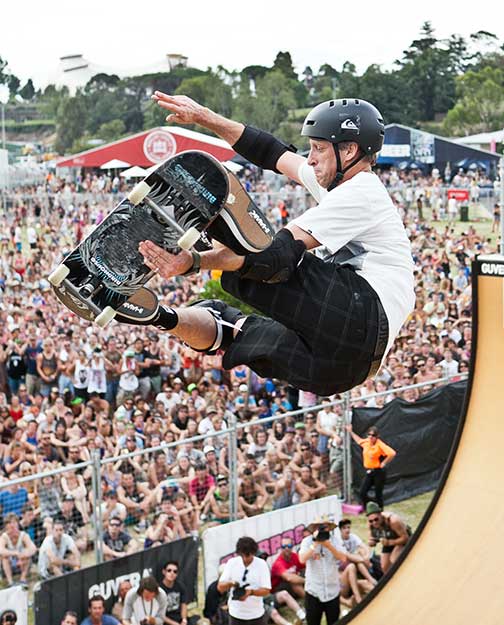
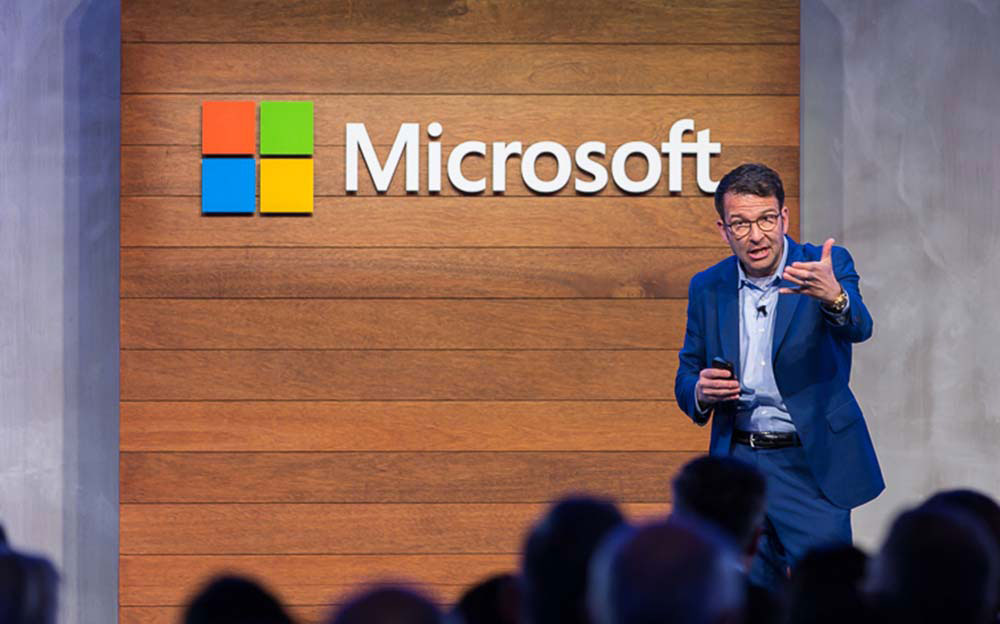
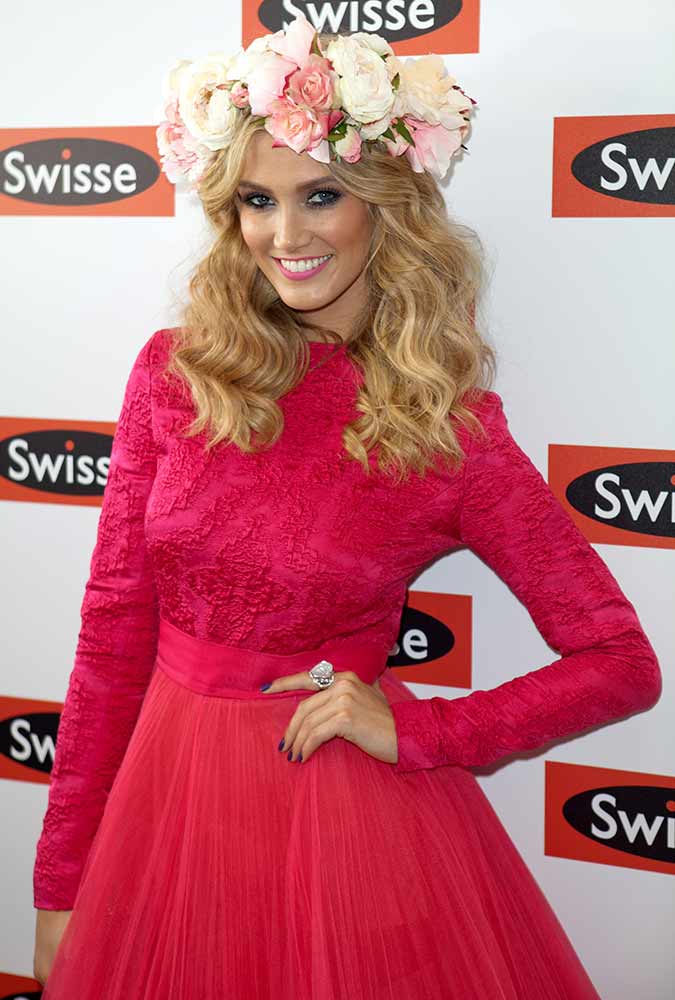
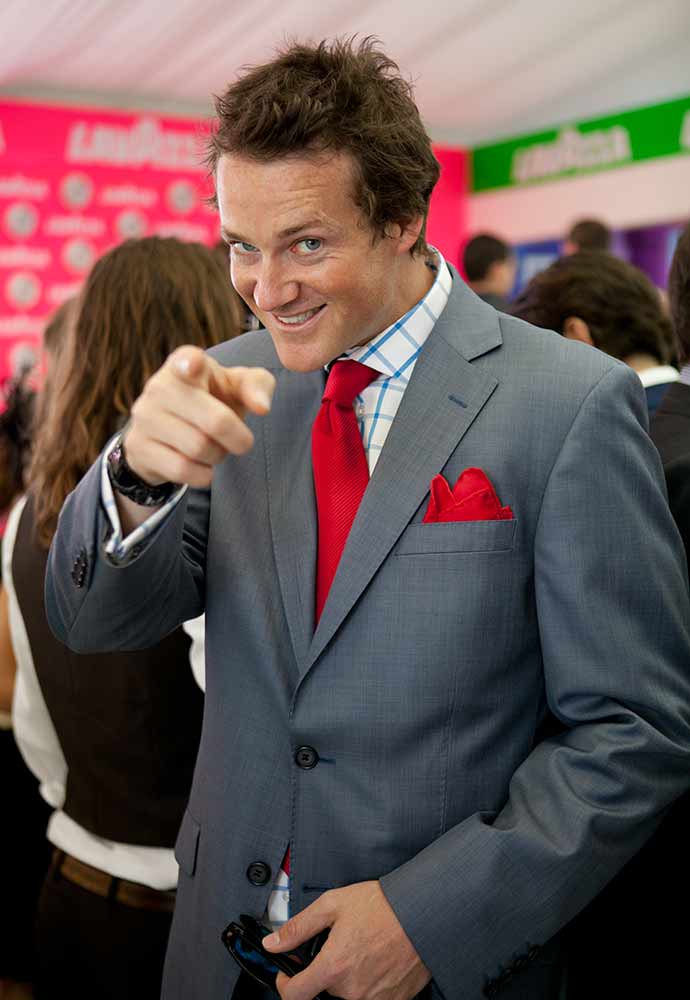
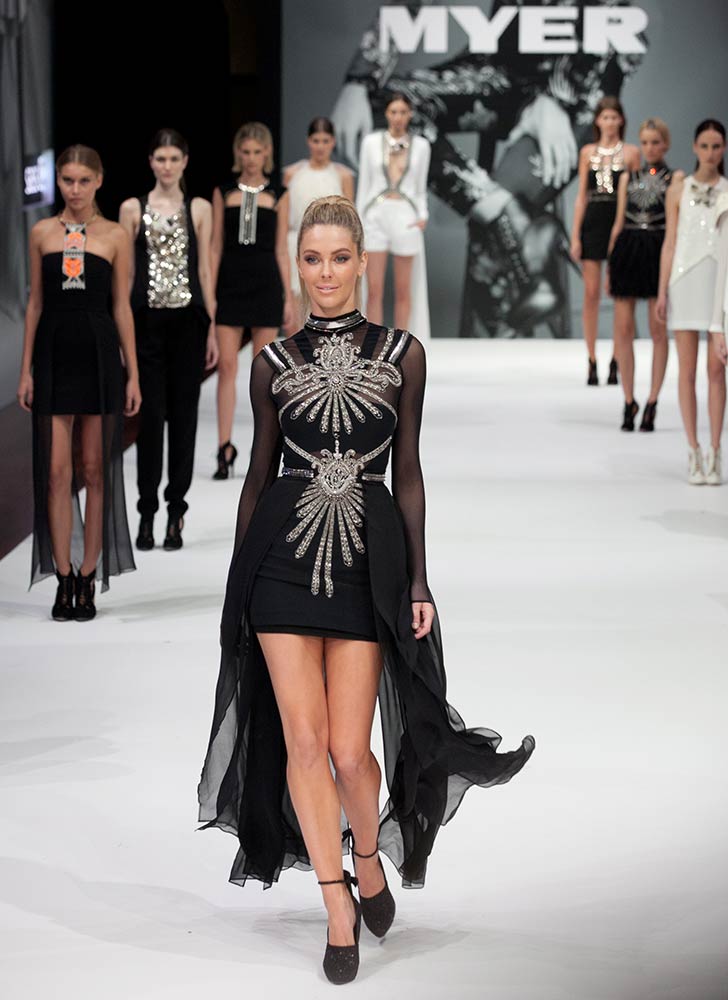
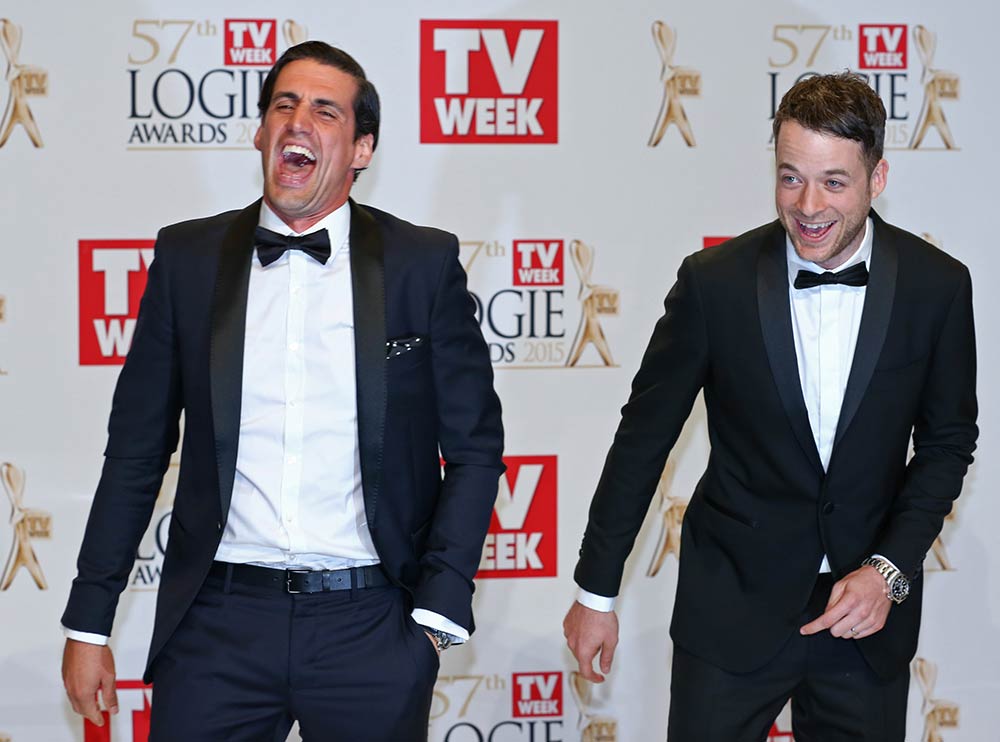
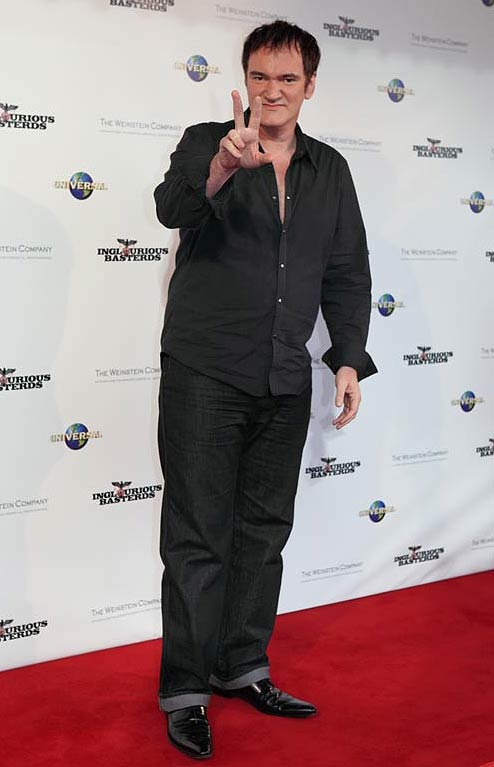
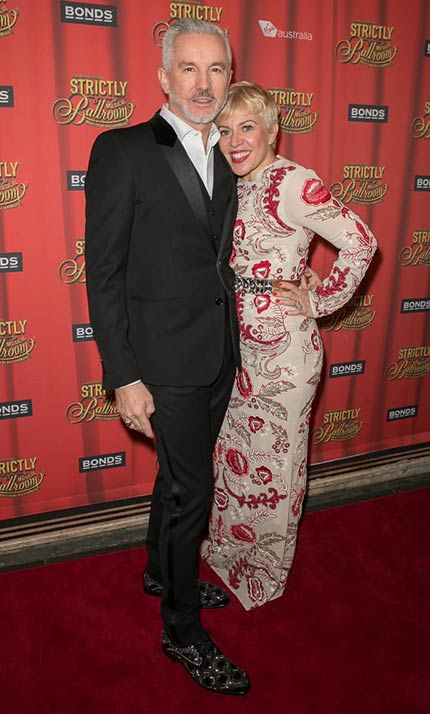
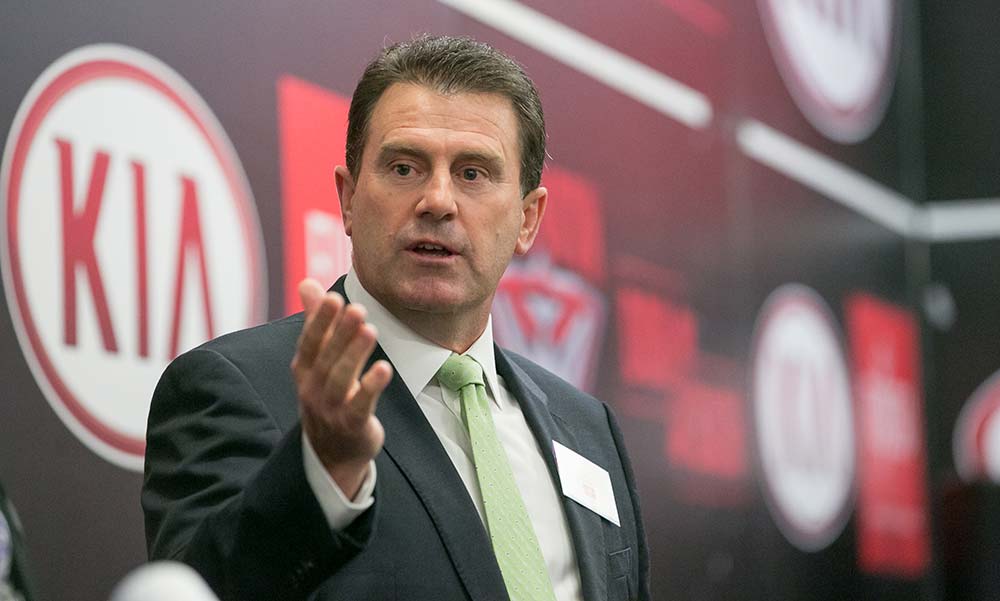
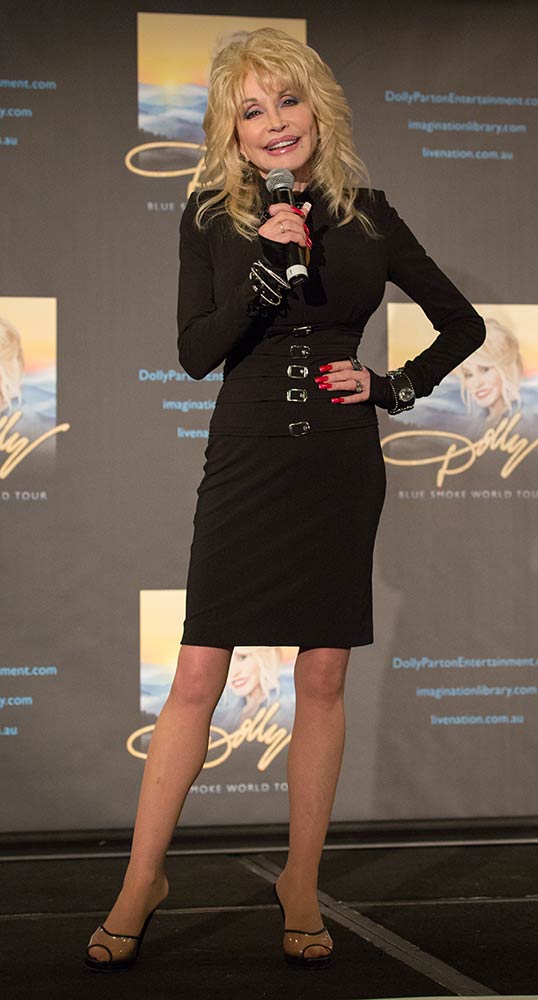
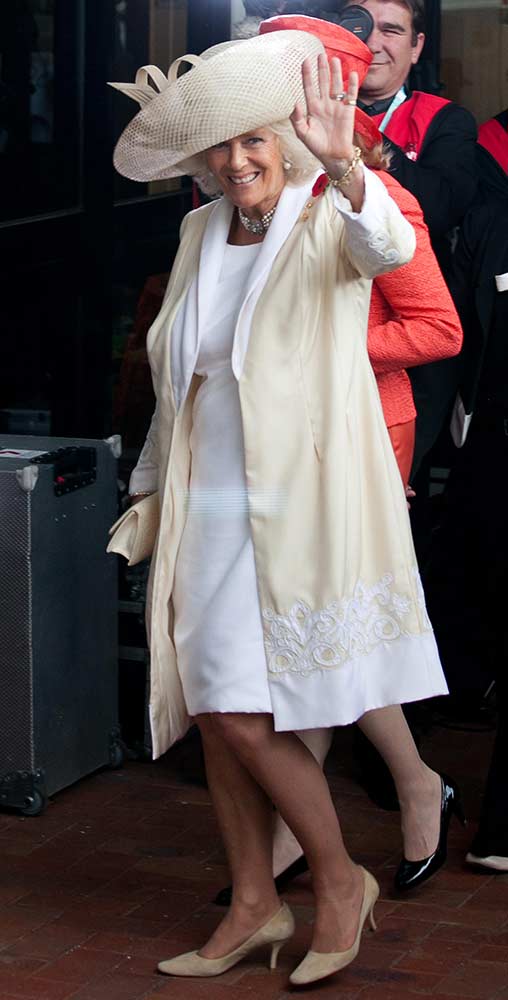
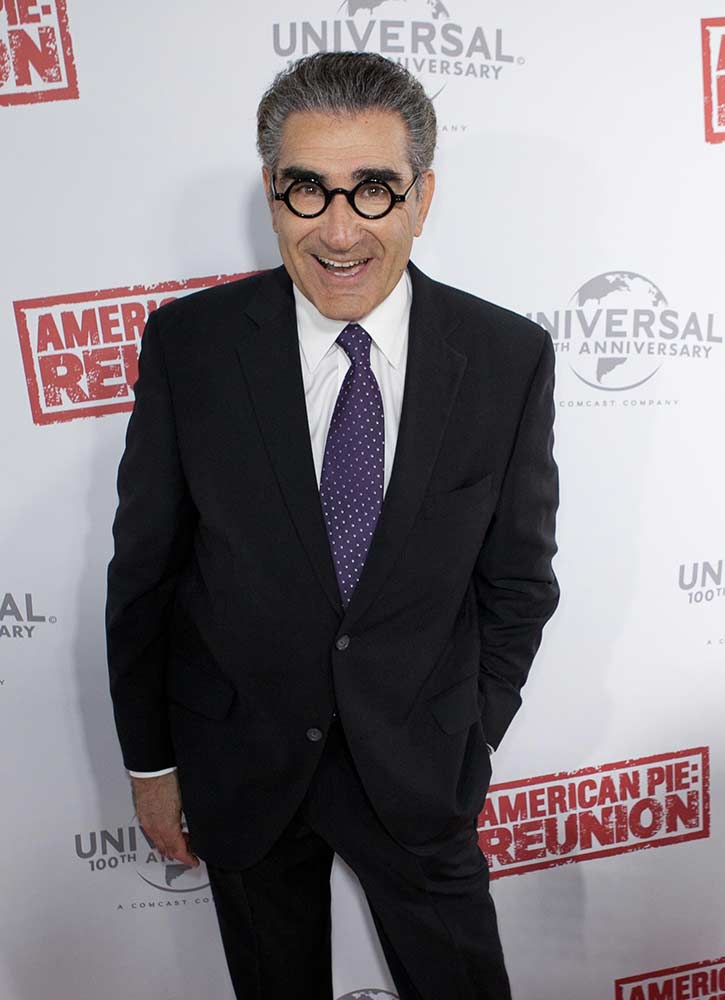
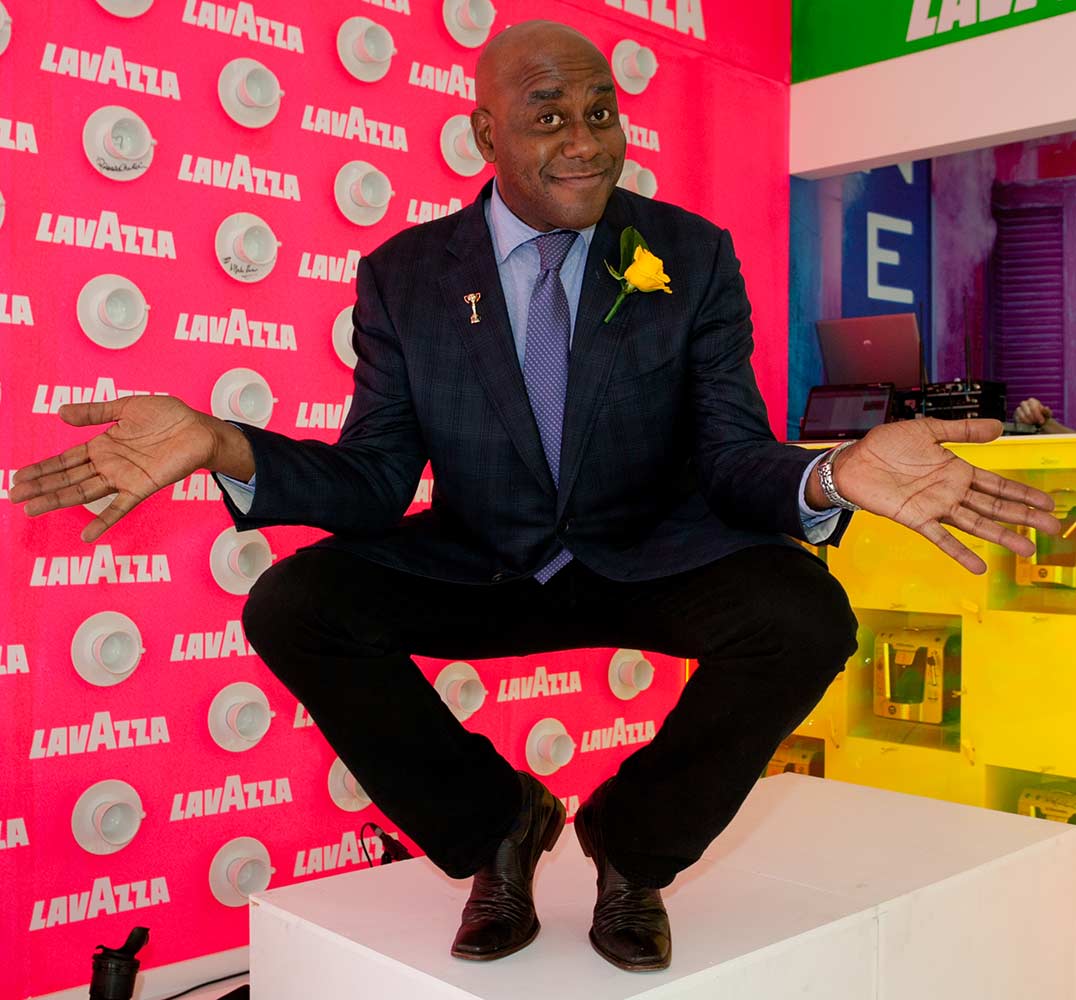
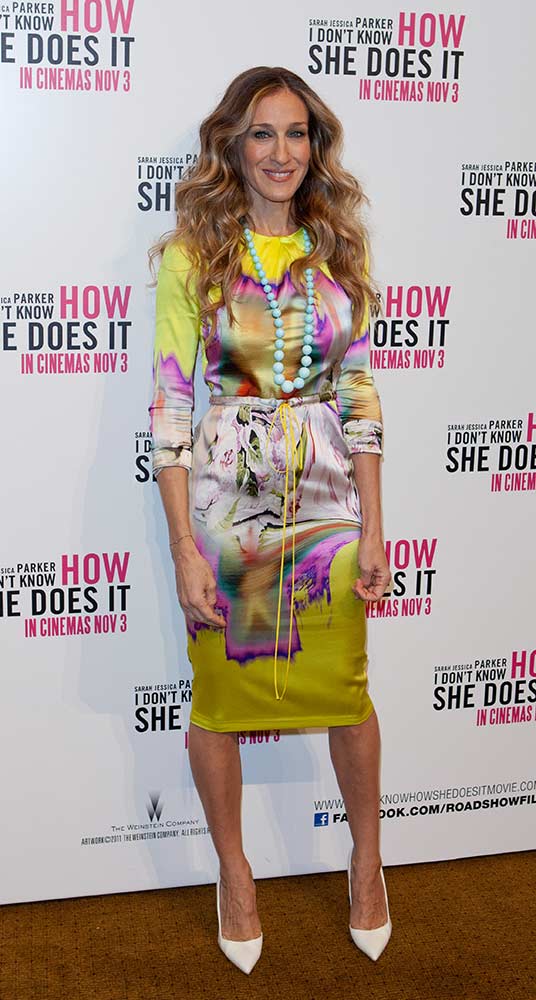
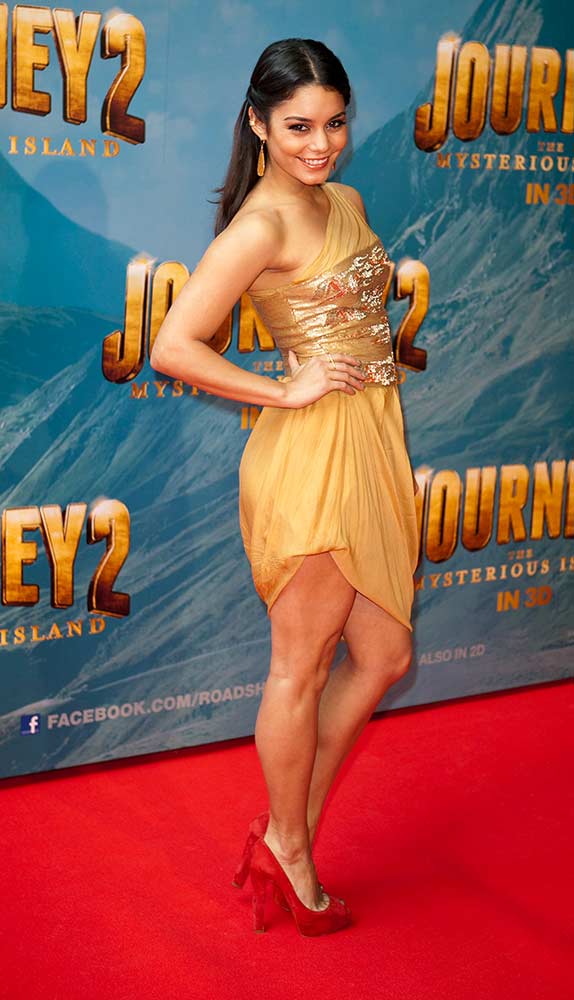
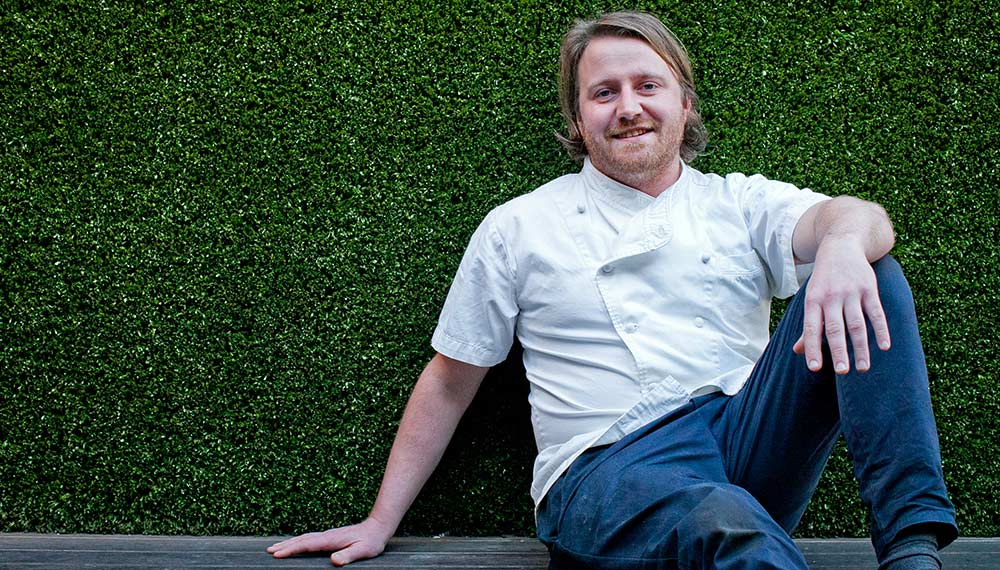
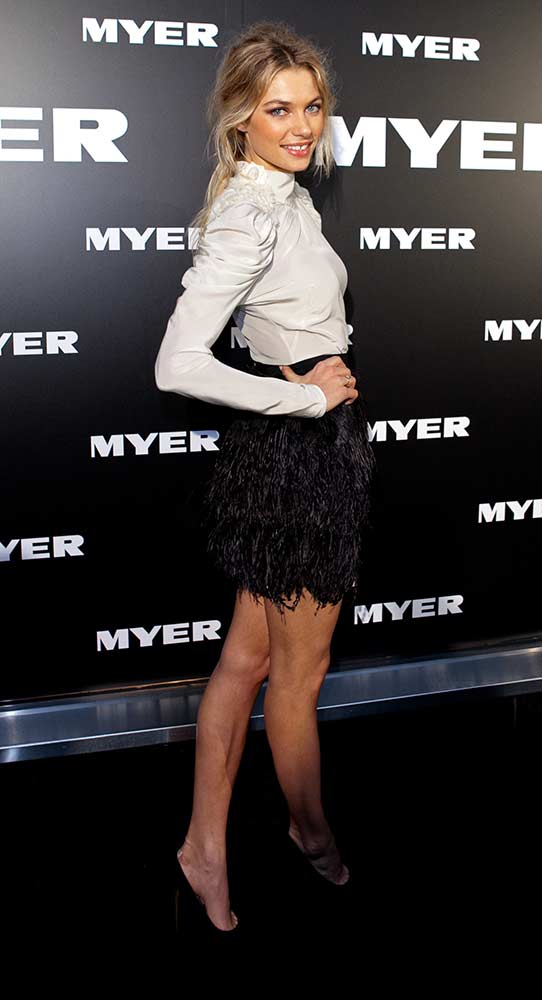
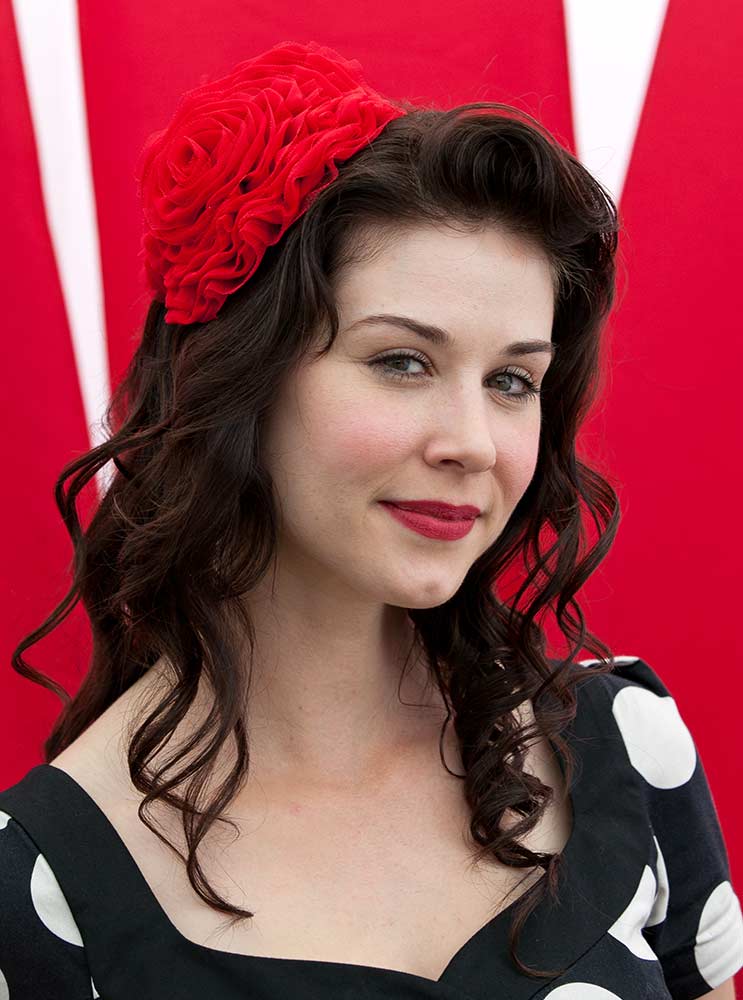
As experienced and professional event photographers, we know how to capture your event for maximum exposure and impact. We’ll photograph the general atmosphere, networking, venue setup, branding, key participants and speakers, as well as images that will be useful for your social networks and future publications.
Selecting the right photographer for your event is part of making the event a success, so choose wisely!
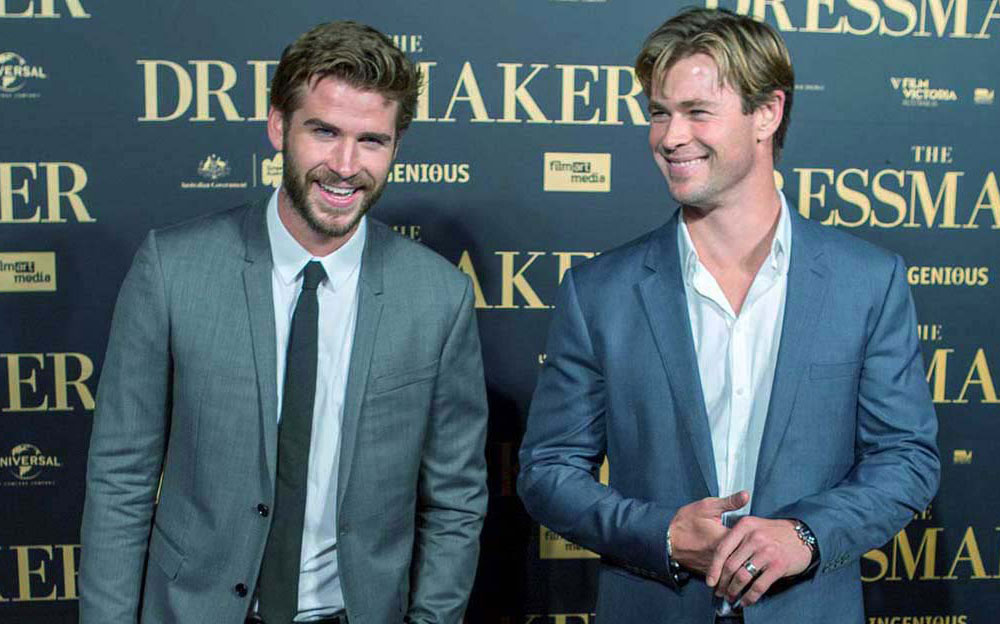
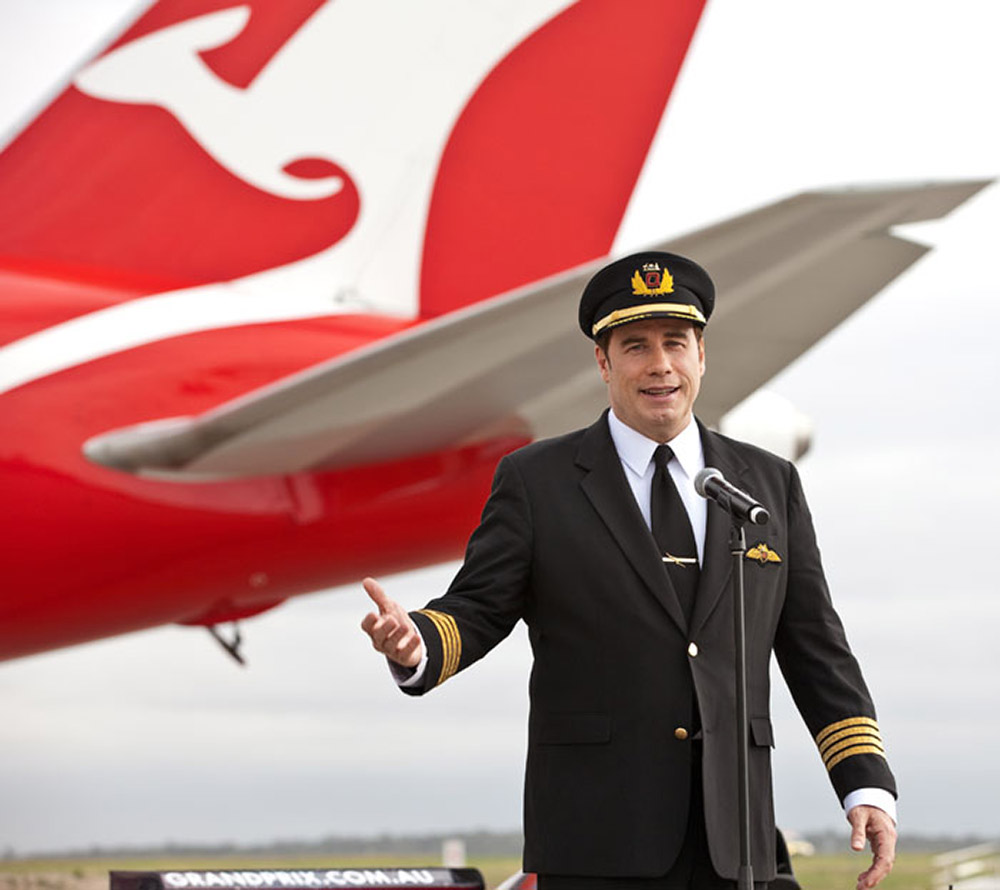
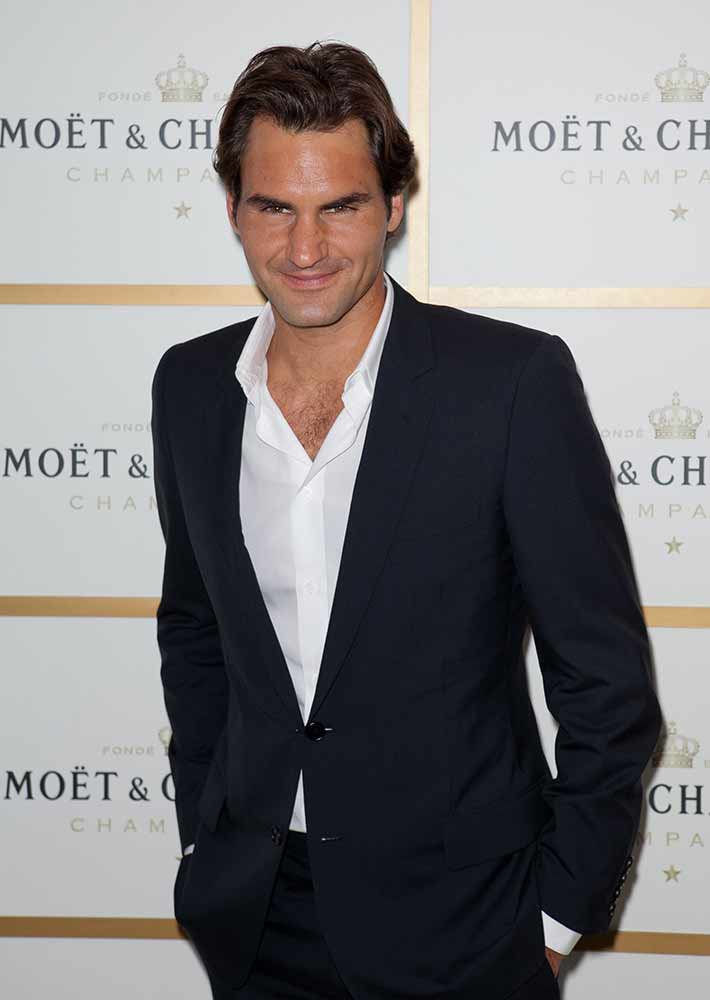
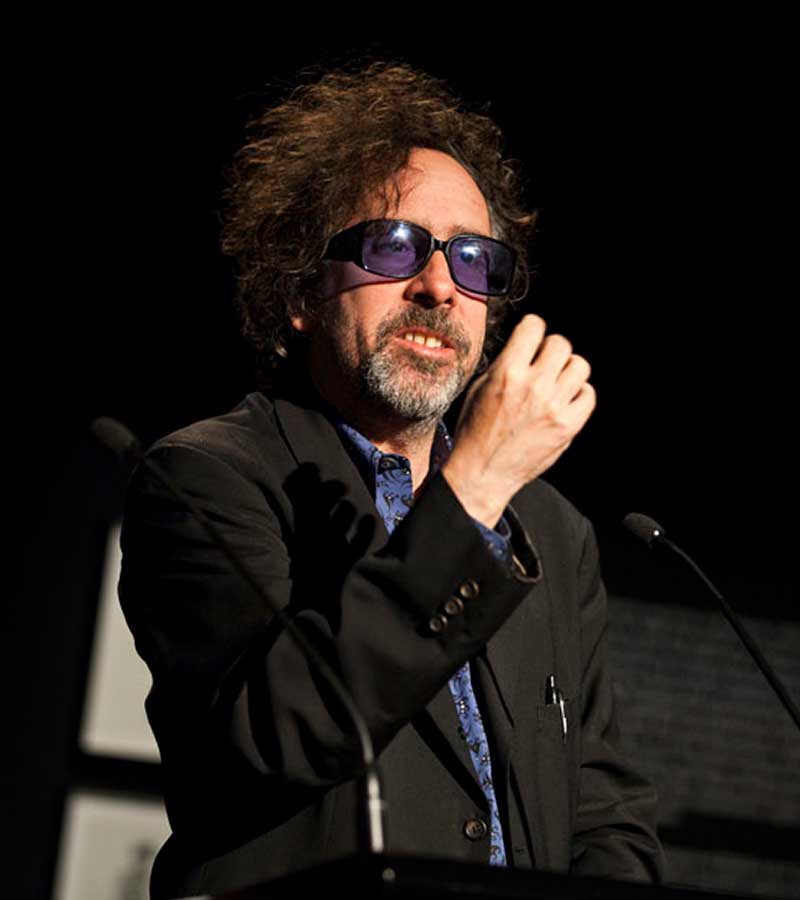
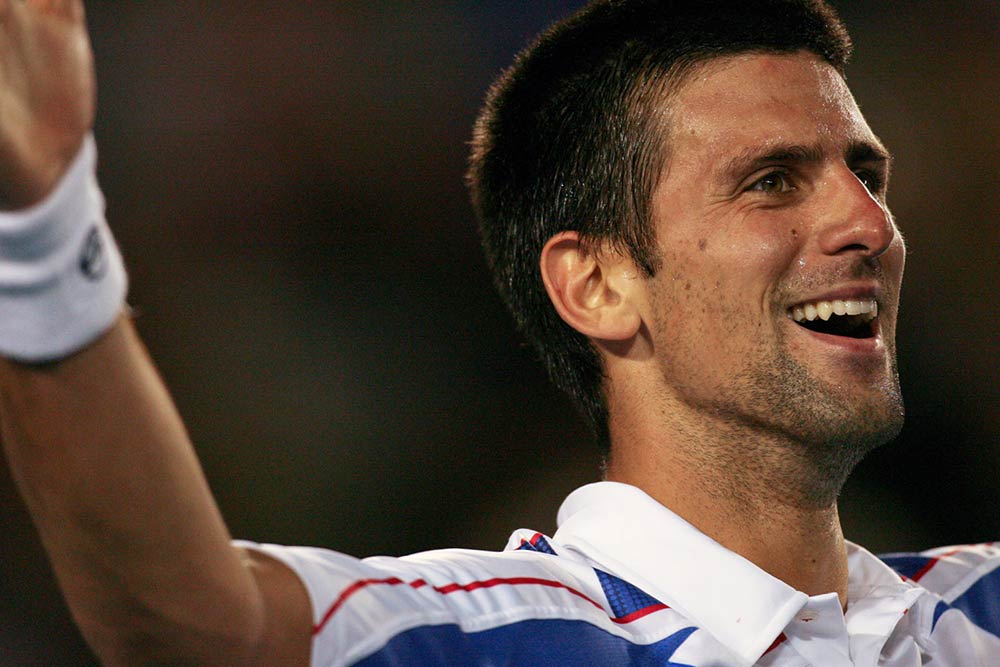
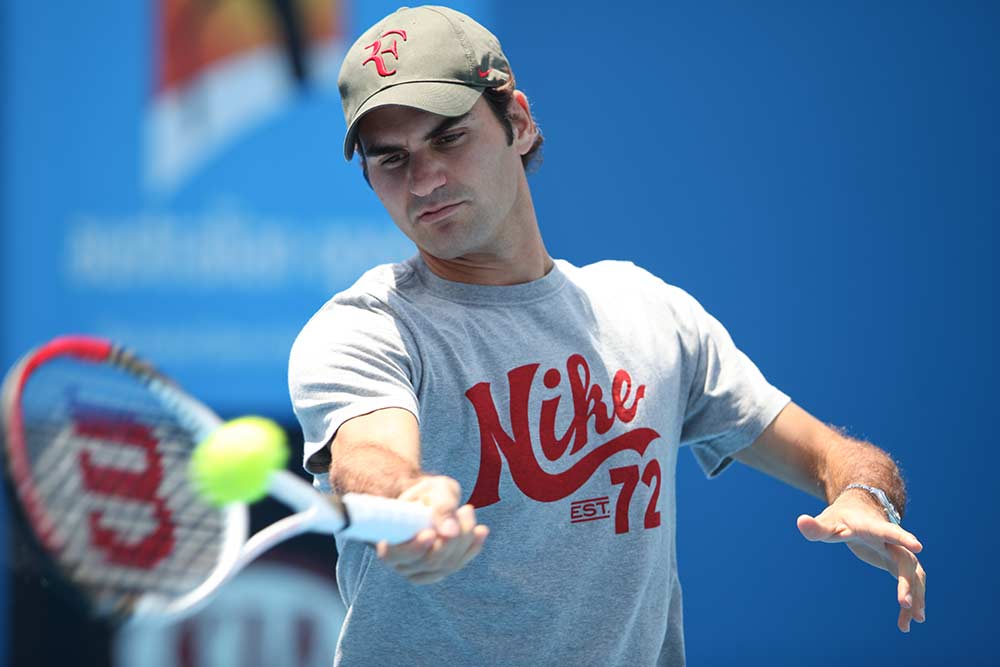
We have worked at hundreds of events, awards nights and conferences, photographing everybody and everything from wombats through to Prime Ministers and international celebrities; as well as everything else in between!
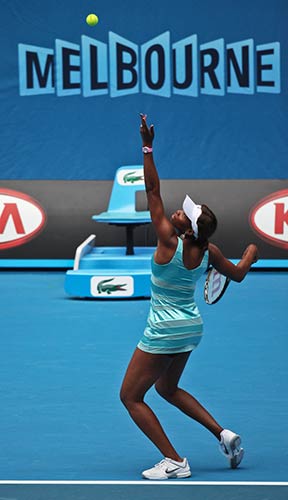
Through our extensive experience with events in Melbourne, we know all the major event and conference venues like the back of our hands. As regular photographers at the MCEC, Crown Conference Centre and the MCG we have worked on events of all sizes at these venues so can answer any questions you may have when planning your event.
We are also happy to offer advice on room and stage set-ups that maximise the impact for photography and video so that you get the best photos from your event, as well as recommended other trusted suppliers such as event videographers and entertainers.
Impressing YOUR clients is just as important to us as impressing YOU, so you can rely on us to be respectful, friendly, professional and suitably attired for your event.
Do you have a list of photos you’d like? We’re self starters when it comes to knowing what to photograph, but we’re always happy to receive a detailed photography brief to ensure that we capture everything you require.
We do our best to accomodate all our clients so please get in touch to discuss your requirements or if you would like us to offer you some options for the budget you have to work with. Click through if you’re wondering how much event photography in Melbourne costs.
Our Corporate Clients Include: